Showing posts with label Mock-up. Show all posts

Monday, October 6, 2014

Plastic Art Fair Showcase PSD Mockup Freebie !


Exclusive Freebie by PrintRIVER© !

Show your artistic work, such as painting and visual art as if it 's in an art gallery
Grab this Plastic Art Fair PSD Mockup for Free, insert your own images easily and show your work  with simple and elegant  real way !

Software Required:

  • Adobe Photoshop CS3+ 

For uncompressing a template ZIP package:
  •  WinZip 9+ (Windows)
  • Stuffit Expander 10+ (Mac)
Includes:
  • 01 PSD Mockup fle - Dimension: 1200 x 537 px
  • 01 Help Text file
Credit: 
  • http://volkanolmez.tumblr.com/image/87142739362
  • http://www.djerbahood.com/


Monday, February 10, 2014

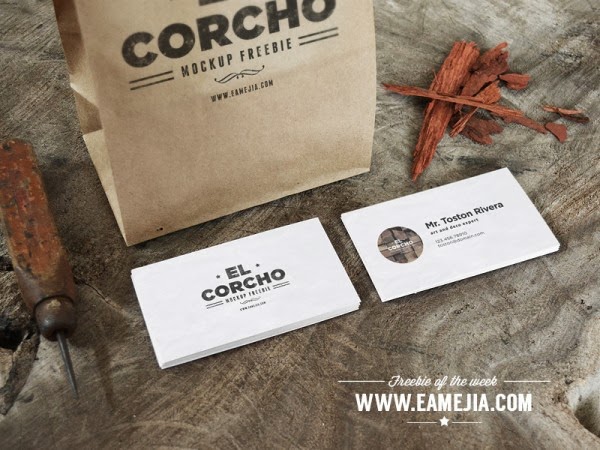
Crafted Business Card Mock-Up - Freebie !


A very photo realistic mockup, just replace images with your designs using “Smart Objects”, and enjoy the result!

https://www.paywithatweet.com/pay/?id=3fe0053373ed4b3e4eb03cc286f5cf7f


https://www.paywithatweet.com/pay/?id=3fe0053373ed4b3e4eb03cc286f5cf7f

Thursday, February 6, 2014

Art Book MockUp PSD


Description & details
Here’s another PSD mock-up for artists. Simply use the smart layer to drag and drop your drawings and create a very realistic presentation. The artwork used in the screenshots is the work of Alexandru Popa.
Format: Layered PSD
Smart Objects: Yes
Dimensions: 2400×1800 px
Minimum Photoshop Version: CS4
Size: 6.7 Mb


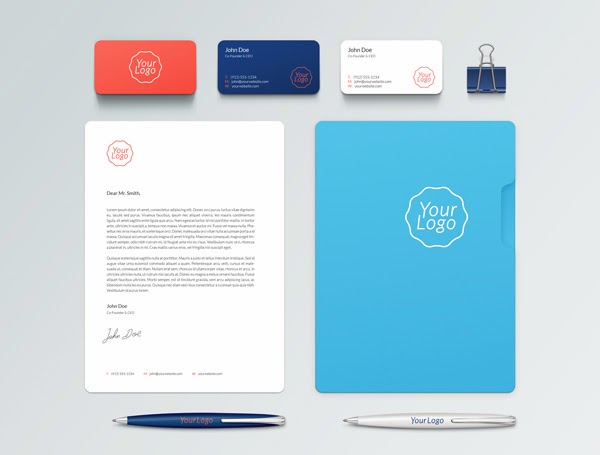
Free elegant branding mock-ups


Description & details
This is the seventh volume of the branding mock-ups series including a new set of elements to help you showcase your next branding project. You can move and hide any item as you prefer. Download, share and enjoy!
Format: Layered PSD
Dimensions: 3000×2050 px
Minimum Photoshop Version: CS4
Size: 20.2 Mb


Free Book Mockup


Description & details
I’m really excited to share with you this photorealistic book cover PSD mock-up with both front and backside views. The books, shadows and background are placed on separate layers so you can easily display just one book or make other adjustments.
Format: Layered PSD
Smart Objects: Yes
Dimensions: 2400×1700 px
Minimum Photoshop Version: CS4
Size: 27.9 Mb


Free Magazine MockUp


Description & details
Showcase your magazine spreads in a very realistic manner with this fully-editable PSD template. Just drag and drop your design inside the PSB file and the smart objects will finish the job for you. Make sure to check out the full preview for details.
Format: Layered PSD
Smart Objects: Yes
Dimensions: 2300×1650 px
Minimum Photoshop Version: CS4
Size: 4.2 Mb


Wednesday, February 5, 2014

Ebony & Ivory Branding MockUp


https://www.paywithatweet.com/pay/?id=94c48252a3eb864db98393054bf25ffd


Description & details

Ebony & Ivory is a clean and simple stationery mock-up series to present your branding designs in a professional manner. The pack includes 22 PSD files in high-resolution and has been released by Shaan Shiv Suleman.

Format: Layered PSD
Smart Objects: Yes
Dimensions: 4500×2912 px
Minimum Photoshop Version: CS4
Size: 1.9 G

https://www.paywithatweet.com/pay/?id=94c48252a3eb864db98393054bf25ffd


DVD & Envelope MockUp


https://www.paywithatweet.com/pay/?id=1f7a8cee552b46f93180710adb1f8b9e


Description & details

This fully editable PSD mock-up allows you to quickly display your design on both DVD and envelope. You can edit the actual template or add your original artwork via smart objects. Clean & easy!

Format: Layered PSD
Smart Objects: Yes
Dimensions: 2400×1786 px
Minimum Photoshop Version: CS4
Size: 8 Mb

https://www.paywithatweet.com/pay/?id=1f7a8cee552b46f93180710adb1f8b9e

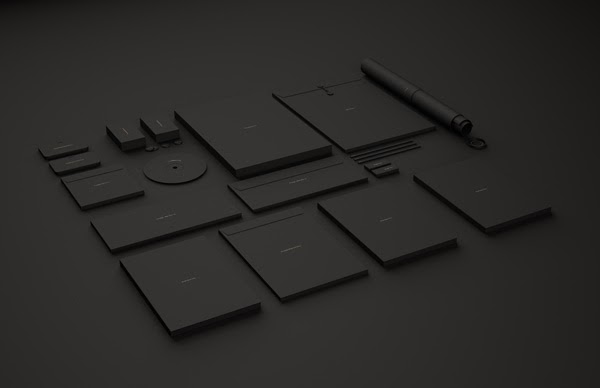
Branding / Identity MockUp

https://www.paywithatweet.com/pay/?id=b02eba83004b58a625eacf7320b5fac4


Description & details

With this clean PSD branding mock-up you get full control over each and every element. You can move items around, hide some of them, change colors and of course,  showcase your own design with smart objects. Check out the full size for details!

Format: Layered PSD
Smart Objects: Yes
Dimensions: 2900×2200 px
Minimum Photoshop Version: CS4
Size: 5.9 Mb


https://www.paywithatweet.com/pay/?id=b02eba83004b58a625eacf7320b5fac4

Cutout Logo MockUp

https://www.paywithatweet.com/pay/?id=e033d494a6079db24f8deaf5b4bee4a1

Realistic logo mock-up with clean look and fine details,  ready for your presentations. It works with any shape or text, using the Photoshop smart object feature. Check out the full view to see all the details!

Format: Layered PSD
Smart Objects: Yes
Dimensions: 2500x1667 px
Minimum Photoshop Version: CS4
Size: 22.3 Mb

https://www.paywithatweet.com/pay/?id=e033d494a6079db24f8deaf5b4bee4a1


Wood Engraved Logo MockUp


https://www.paywithatweet.com/pay/?id=d38fa31cd1fbf3d7f11457b91b8e4ffc

Description & details

This wood engraved effect works great with any logo, shape or text. It’s quick and easy! All you have to do is to replace the current logo with yours inside smart object, and then save it.

Format: Layered PSD
Smart Objects: Yes
Dimensions: 2300×1533 px
Minimum Photoshop Version: CS4
File Size: 14.3 Mb


https://www.paywithatweet.com/pay/?id=d38fa31cd1fbf3d7f11457b91b8e4ffc


Friday, November 29, 2013

Set of Best Mock-ups on the Web !


Set of Usuful PSD Mock-ups by punedesign - Print Mockup (Book Mockup, brochure Mockup, Flyer Mockup, Newwletter Mockup... )Logo Mockups, Presentations Mockups and more


Wednesday, July 31, 2013

FREE 17 PSD Logo Mockup

Photoshop smart object paste and save logo mockups on perspective 3d backgrounds with blur and lighting effects.
Our psd file for today is something iam sure your will love. The simple and beautiful way to present your logo or to get an idea of how it would look like when printed on different materials such as leather, fabric, metal, cardboard, cloth, books, wood, paper and much more. More than 15 different styles of logo template settings to choose from. Every single effect, style, color and texture can be managed and edited to fit your design needs. All layers including backgrounds are smart object layers which make all the effects including blur and noise effects easily editable. You can increase or decrease the intensity of any effect such as shine, glossiness and colors. In designing these mockups, we used the perspective tool, the distortion tool and the wrap tool.

  1. Perspective Logo Mockup on a rounded fabric background
  2. Sand Background Embossed Logo Mockup
  3. Fabric Logo Mockup
  4. Aluminium Logo Mockup
  5. Leather Pressed Mockup Template
  6. Folded Fabric Logo Mockup
  7. Blue Foil Logo Mockup
  8. Leather embossed logo mockup
  9. Wood Engraved Logo Mockup
  10. Glossy Uv Logo Mockup
  11. White Glossy White Logo Mockup
  12. Embossed white on paper logo Mockup
  13. Metal Shine Logo Mockup
  14. Paper Logo Mockup
  15. Glossy Paper Logo Mockup
  16. Cardboard pressed logo mockup

How to use this template ?
After you choose the effect you are looking to apply, open the corresponding folder of this particular effect. Point to the layers area in photoshop and locate the layer at the top. It is named “Your Logo Here”.  Right click on this layer and choose “Edit Content”. A new window will automatically open with the old logo in it. Just replace that logo with your logo and click save and close that window and that’s it.
It only needs basic photoshop knowledge to be able to use this nice effect and empress your clients and friends with what you can do !
The files where separated on different  downloadable zipped folders that you can find below, Enjoy

Business PowerPoint Template Zembra PowerPoint Template Sociallita powerpoint template E-commerce Infographic Powerpoint Template Simplex Powerpoint Template SocialCloud Powerpoint Template V.01 Graphika PowerPoint Template SocialDecks Powerpoint Template